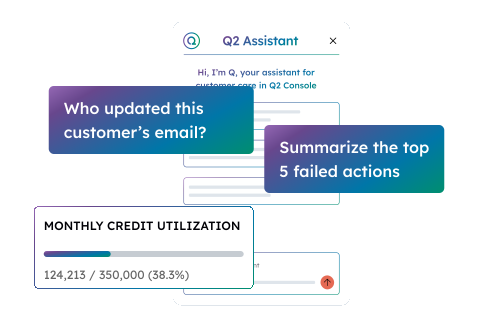
Q2's integrated back office for digital banking operations

Back office teams at financial institutions manage digital banking operations across multiple disconnected systems, increasing the load and slowing response times. Q2's integrated back office brings user management, reporting, configuration, and secure messaging into Q2 Console, a single web-based interface your team learns once.

A single pane of glass

An OKTA-powered single sign-on solution allows your team to access multiple Q2 back-office systems and near-real-time digital banking data, with simple user management workflows and personalization by role.

  • Dispute tracking
  • Positive pay
  • Security
  • Customer portal
  • Account opening
  • Marketing and messaging
  • User management
  • Transaction management

How does Q2 Console improve your back-office team?

Q2 Console is a new web-based UI that integrates all of our digital banking back-office functionality. It’s designed to make your team’s lives easier and their work more efficient.

User management

Create and manage customers, users, and logins across Q2 products

Reporting

Understand utilization through real-time reporting and live-session data and visualizations

Configuration

Manage no-code changes to text, themes, colors, and images within digital banking

Resource center

Quick access to notes, training, and updates to the back office

Secure messaging

Handle secure messaging with account holders directly within Console

An experience equal to the platform

Our back-office tools feature a modern, web-based UI/UX that you’d be proud to put in front of account holders.
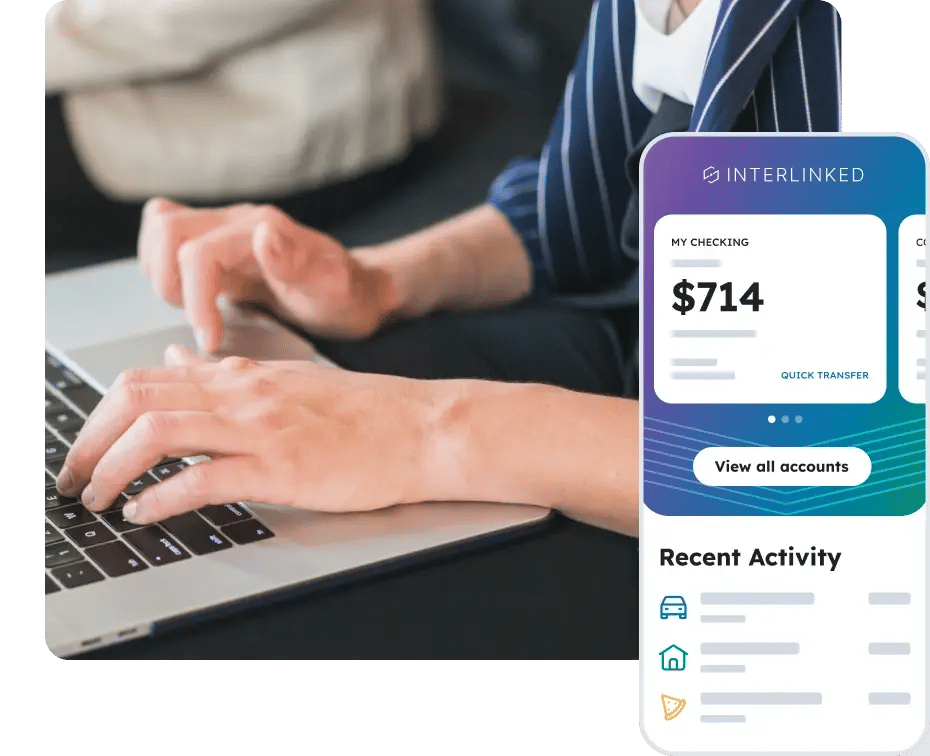
How does Q2 Console connect to the rest of your tech stack?

Q2 Console integrates with other Q2 platform components, third-party systems, and operational tools your team already uses, so your staff works from one interface instead of switching between systems.

How does Q2's integrated back office improve employee onboarding and efficiency?

  • Internal support

    Our back-office technology is an extension of the Q2 experience: the same robust, user-friendly, personalized quality that your account holders enjoy.

  • Faster onboarding, less friction

    An easy-to-use interface means less friction, so that your employees can better perform their jobs without onerous training demands or multiple vendor technologies to learn.

  • Technology that leads with efficiency

    Make faster decisions with a user-friendly experience that allows your employees to view and understand customer behavior and needs faster.

FAQs

What is Q2's integrated back office?

Q2's integrated back office is a unified console (Q2 Console) that centralizes user management, reporting, configuration, and secure messaging in one web-based interface. It uses OKTA-powered single sign-on to connect multiple Q2 back-office systems with real-time digital banking data.

What functions does Q2 Console support?

Q2 Console supports user management, real-time reporting, no-code configuration of themes and text, a resource center for training and updates, and secure messaging with account holders. Additionally, it provides access to the Customer Care Agent within Q2 Assistant.

Does Q2 Console integrate with CRM systems?

Yes. Q2 Console connects to your CRM system so your team has a single view of banking and business information without switching between platforms.

Does Q2 Console reduce training time for new employees?

Yes. Q2 Console consolidates multiple back-office systems into one interface with a modern, web-based UI. New employees learn one system instead of several, reducing onboarding time and friction.

Learn more about the Q2 platform

Resources